iPhone / iPad · iOS 15.0+
Mind JournalCBT Diary
New: calendar navigation buttons, improved comment screen with font settings, and iPad sidebar support.
What it does
- 01
[Simple Thought Recording]
Record your daily emotions and thoughts with minimal steps. The chat-style interface makes journaling a natural, enjoyable habit.
- 02
[Tag & Search]
Organize your diary entries with tags. Filter by specific themes or emotions to review your past entries with ease.
- 03
[Calendar View]
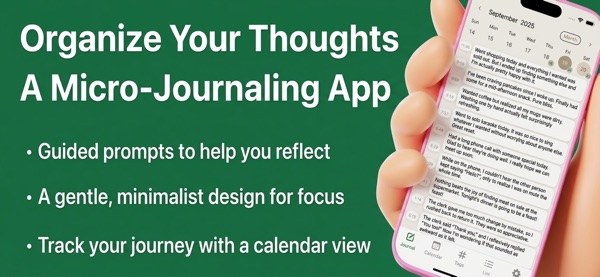
Browse your diary in a monthly calendar view. Navigate to the previous or next day with a single tap — no conflicts with swipe gestures for other actions.
- 04
[Comment & Reflection]
Add comments to each entry for deeper reflection. Your custom font, text size, and line spacing settings apply throughout the comment screen.
- 05
[Rich Customization]
Choose from 19+ fonts / Adjust text size, line spacing, and letter spacing / Dark / Light mode / Custom theme colors
Screens